Enquiry to assigned task
Validate enquiries, update CRM records and assign follow-up, making duplicates and failures visible.

AI & automation · UAE & international projects
Automate enquiries, documents, approvals and routine updates with n8n, Make, Zapier or custom software. Add AI where the work needs interpretation.
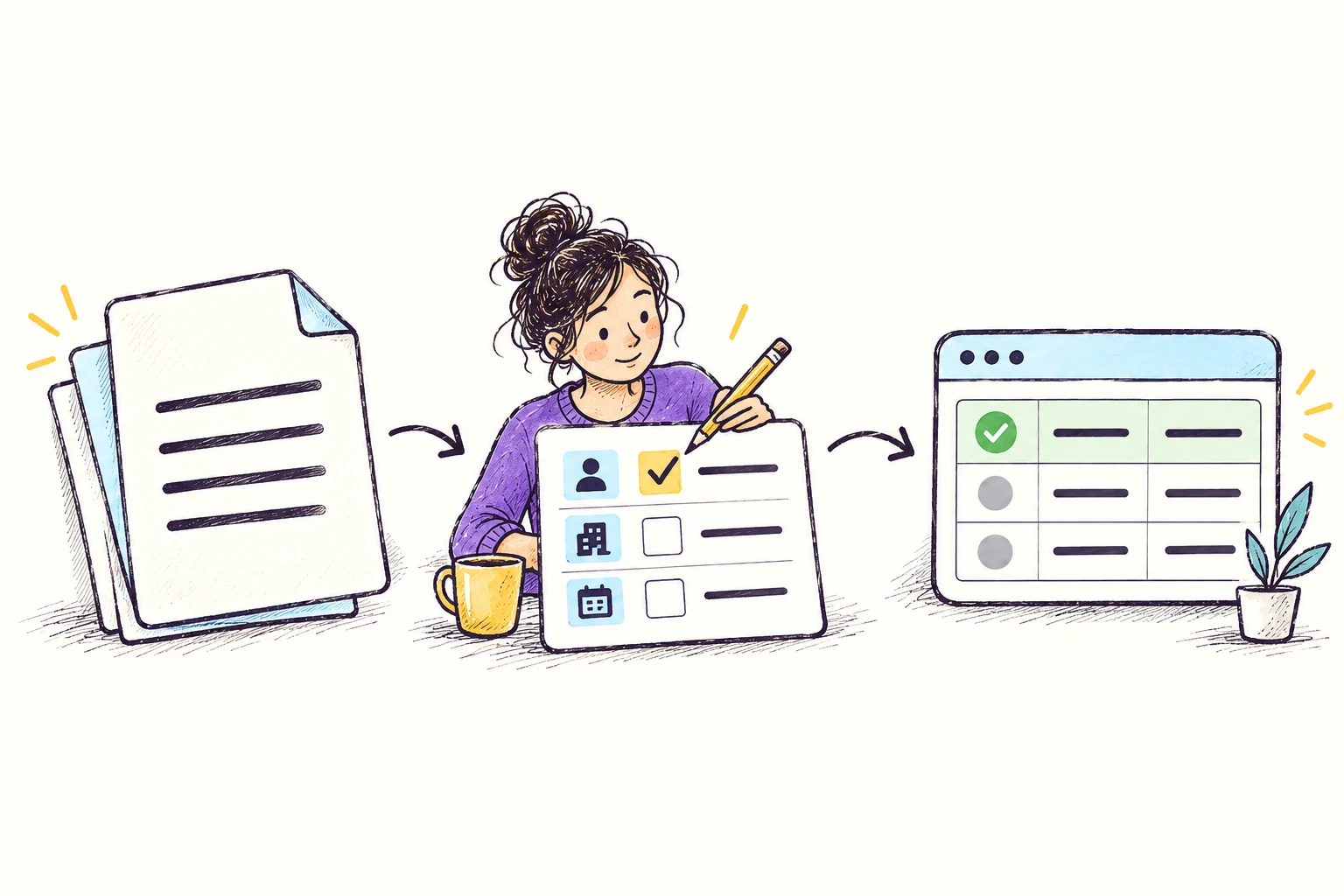
Example: turn an incoming document into a reviewed system update.
Platforms we can connect



Your scope
Map the trigger, business rules and outcome for workflows spanning your applications.
Combine rules and AI interpretation with validation, duplicate checks and an exception queue your team can manage.
What you can build
Validate enquiries, update CRM records and assign follow-up, making duplicates and failures visible.
Move documents through extraction, review and approval, keeping judgement with the responsible person.
Sync sales, finance and operations records, with alerts and summaries when attention is needed.
Choose your approach
| Approach | A good fit when… | What to consider |
|---|---|---|
| Automation inside your existing software | Assignments, reminders and stage changes supported by your current business software. | Fewer systems to maintain, but triggers and actions depend on the product and subscription. |
| n8n, Make or Zapier workflows | Connecting supported applications in a visible workflow, with AI where useful. | Connector coverage, execution limits, hosting and maintenance ownership affect the choice. |
| Custom automation services | Complex rules, high volumes or integrations needing control beyond workflow builders. | Custom code needs deployment, monitoring and engineering maintenance. |
Budget & planning
We estimate the complete workflow, including exceptions. Recurring platform and execution charges depend on run frequency and are priced separately.
Delivery
Map the workflow, exceptions and handoffs; identify automation opportunities and decisions that need people.
Test connected systems against duplicates, missing information and unavailable services.
Document ownership, alerts, recovery, subscriptions and credentials so your team can manage the workflow.
Planning your approach? AI agent or workflow automation: choose the right approach →
No. Rules and integrations often suffice. AI helps interpret free text or extract information, with validation suited to the consequences.
We compare n8n, Make, Zapier and custom services against your connectors, subscriptions, hosting, volumes and maintenance needs.
Workflows include retries, alerts and an exception path. An agreed owner handles ongoing API changes, account permissions and maintenance.
Explore further
Let's work out the next step
Tell us what you want to build or improve.
Tell us about your project ↗Prefer email? contact@ayastudiollc.com · Meet Aya Studio