Enquiries from several sources
Bring forms, WhatsApp and other enquiry channels into one pipeline, with contact matching and clear ownership.

Business systems · UAE & international projects
Give your team a clear pipeline and reliable follow-up. Connect your CRM to website forms, WhatsApp, marketing tools and business systems.
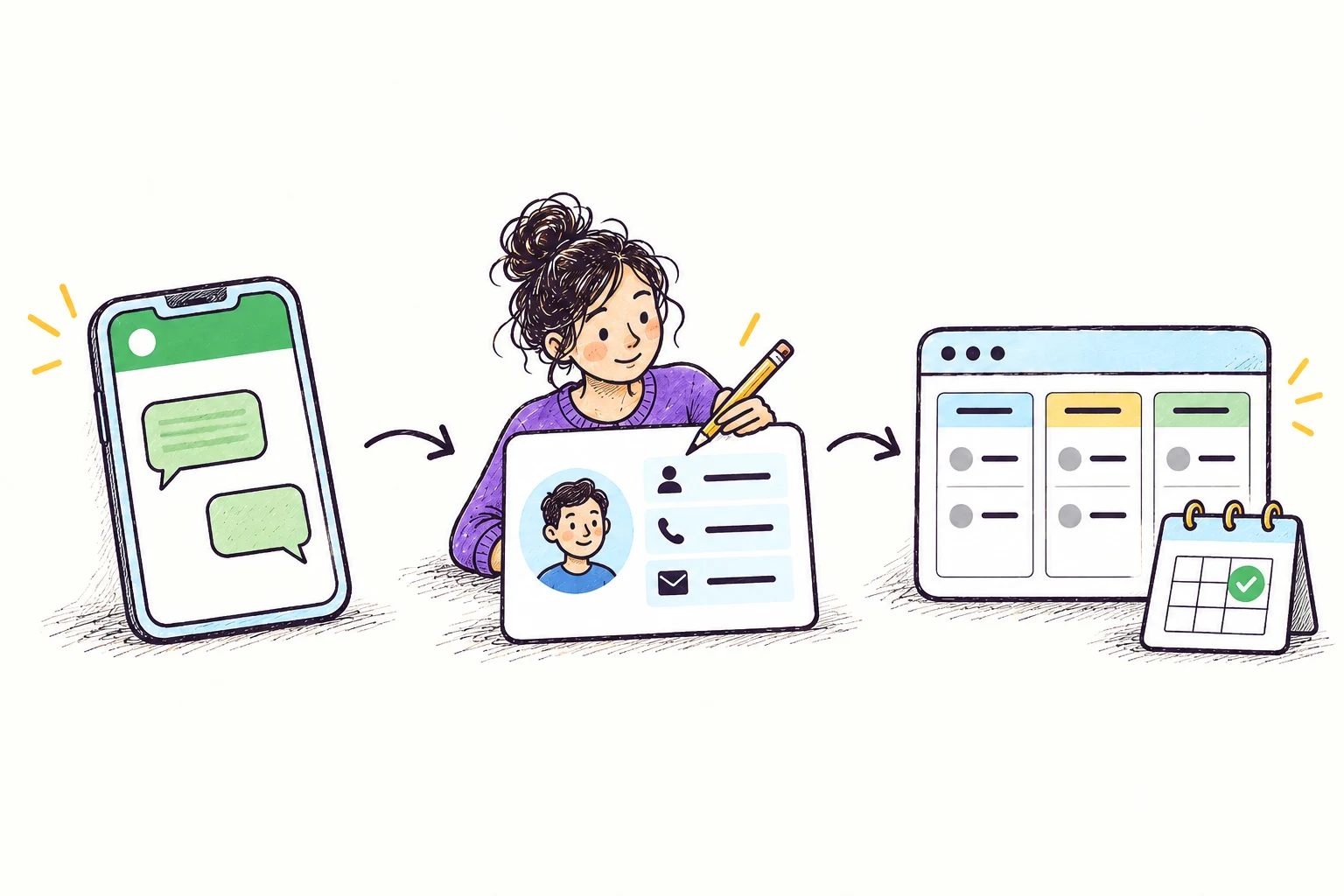
Example: connect WhatsApp enquiries to your sales pipeline.
Platforms we can connect





Your scope
Configure pipeline stages, ownership, permissions and reporting around your sales or service process.
Connect forms, WhatsApp and marketing tools to customer records, with duplicate handling and clear handoffs between teams.
What you can build
Bring forms, WhatsApp and other enquiry channels into one pipeline, with contact matching and clear ownership.
Connect sales stages, marketing follow-up and next actions, with reporting views for teams and managers.
Turn confirmed sales into onboarding tasks, required information and useful context for service teams.
Choose your approach
| Approach | A good fit when… | What to consider |
|---|---|---|
| Repair an existing CRM setup | Fixing scattered records, unclear stages, unused fields or unreliable assignments. | Requires staff input and care around existing automations and reports. |
| Implement or migrate a CRM | Moving spreadsheets or an old CRM into structured sales and service workflows. | Platform fit, import quality and cutover planning determine what transfers cleanly. |
| Connect and automate the CRM | Connecting forms, WhatsApp, marketing follow-up or ERP data to a working CRM. | Supported connectors and communication rules shape scope; an owner must maintain each integration. |
Budget & planning
We scope teams, processes and exceptions. Software subscriptions are separate from configuration, migration and integrations.
Delivery
Map the customer journey to agree CRM records, stages and responsibilities.
Configure the CRM, check migrated data and test integrations against incomplete and repeated submissions.
Validate daily tasks with users and document ownership and ongoing maintenance.
Yes, within its configuration and integration capabilities. We assess whether issues come from setup, data or the underlying process.
A CRM helps manage enquiries; it does not create demand. Lead acquisition, your offer and sales execution still matter.
Yes. Supported email, WhatsApp and marketing tools can follow CRM stages and customer permissions, with stop conditions, duplicate checks and human takeover.
Explore further
Let's work out the next step
Tell us what you want to build or improve.
Tell us about your project ↗Prefer email? contact@ayastudiollc.com · Meet Aya Studio